How Much Battery Power Does the Badger Maps Android App Take
It actually depends on how much you use the app. If you’d like to know the breakdown, continue reading to find out how. Note that the steps could be slightly different depending on what brand and device model you’re carrying.
1. Open up your phone’s Settings app.
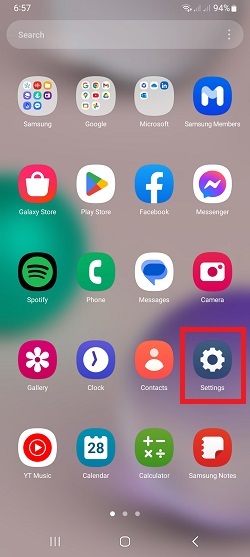
2. Then go to Battery and device care, and tap Battery.


3. Tap on View details, and you’ll see a list of apps and how much power they use.


And that’s it. If you have more questions, feel free to message us at support@badgermapping.com. Have a great day!


