How to Create a Route Based on Visit Frequency
As a salesperson, sometimes you’d like to create your routes according to the frequency of visits. This guide will teach you how it’s done. Continue reading below.
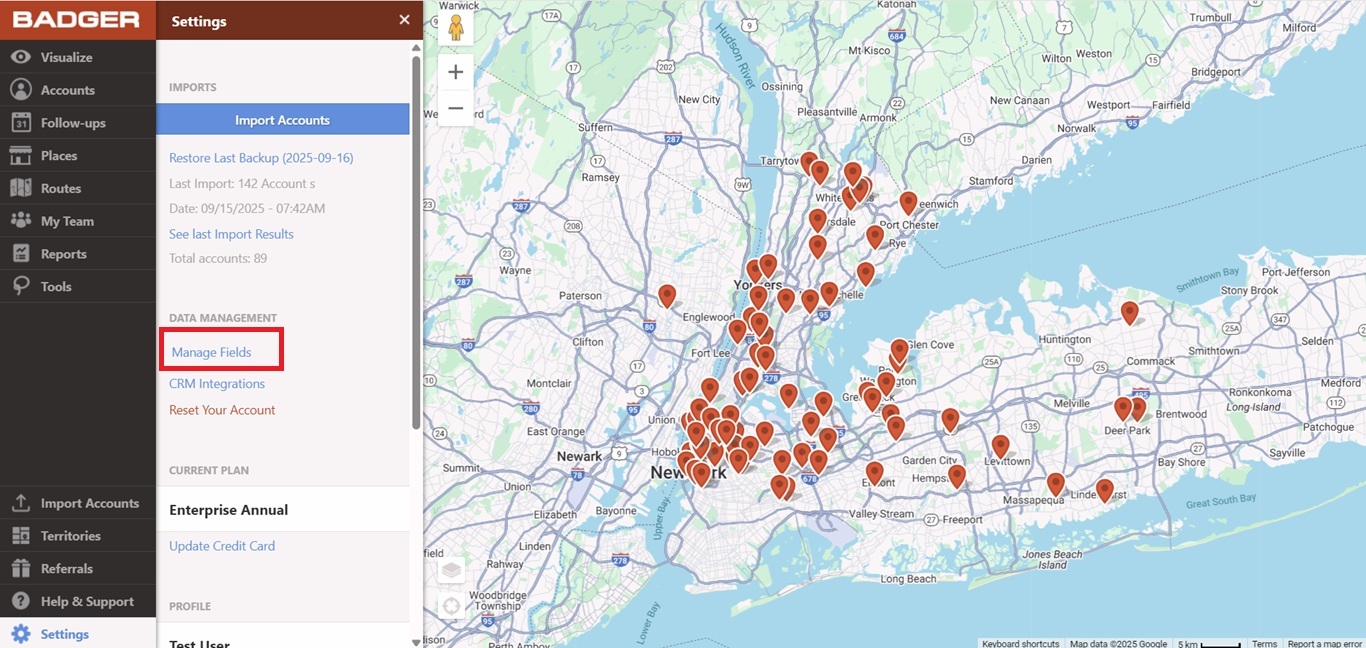
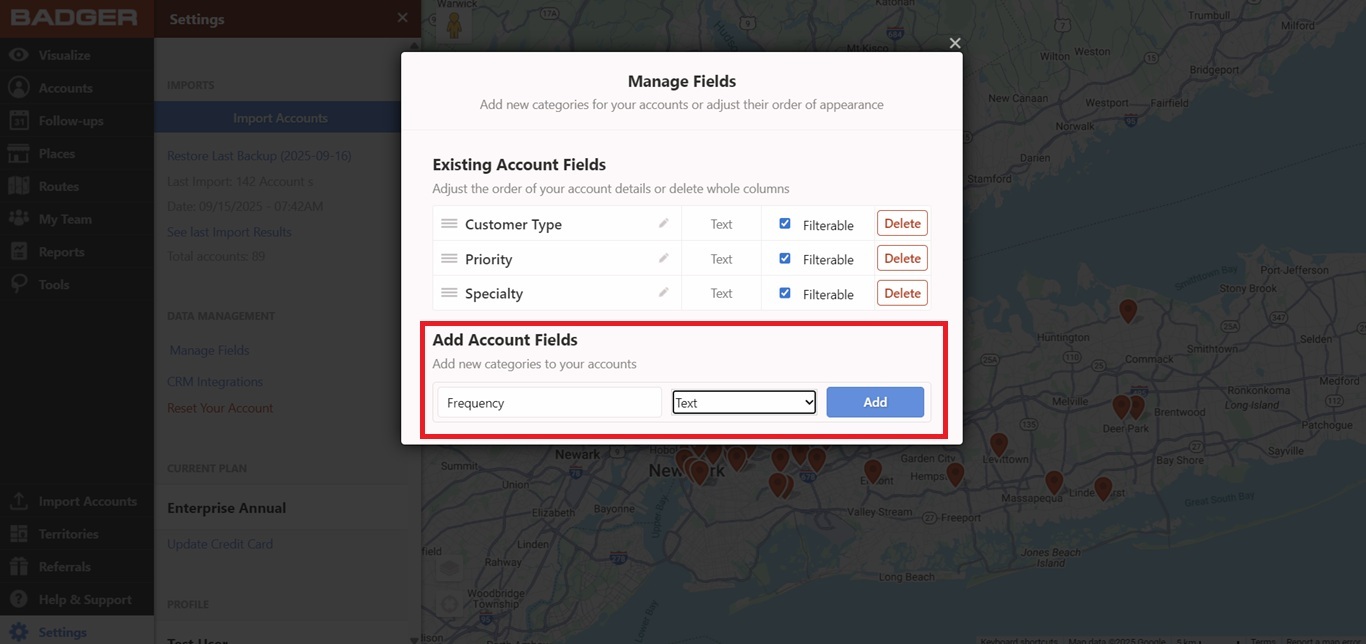
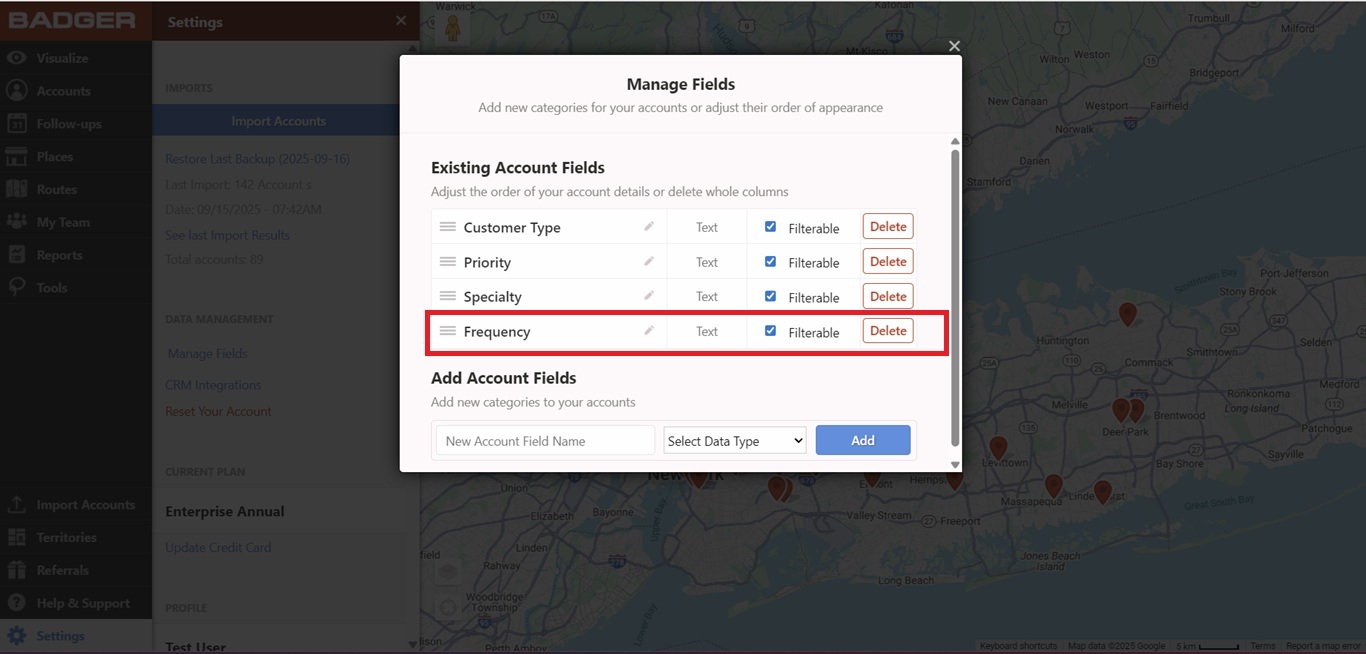
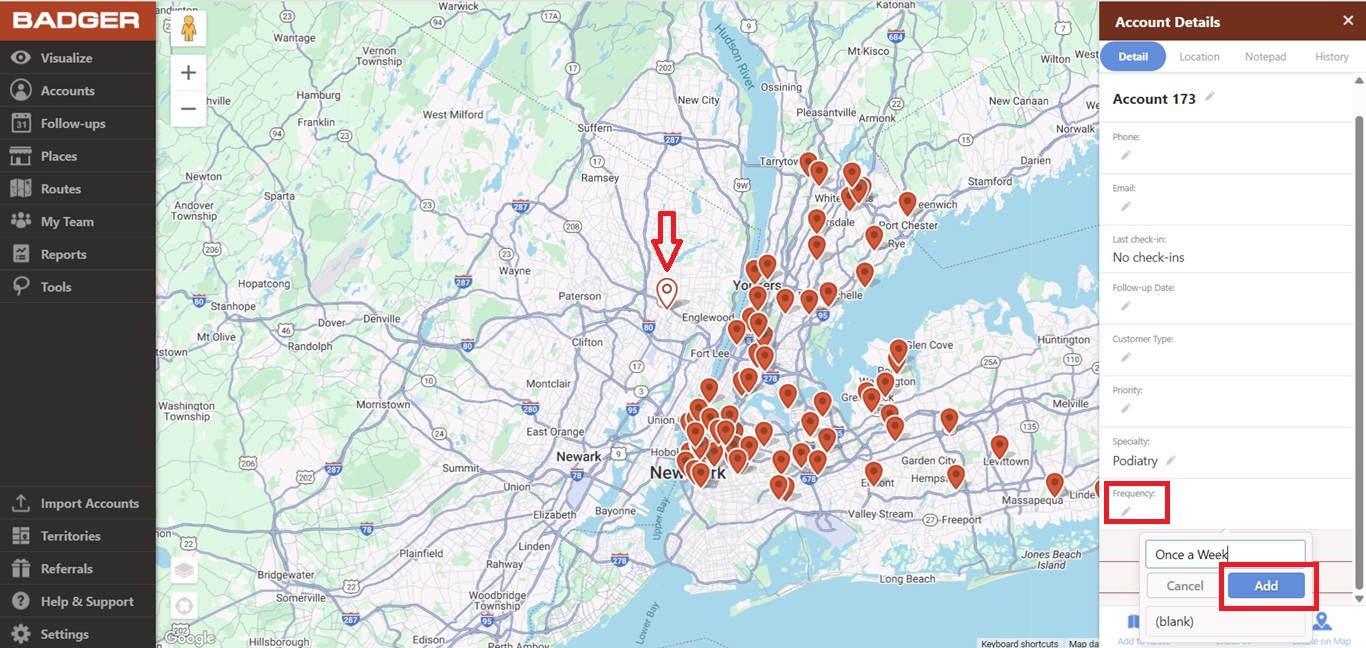
1. Create a field for Frequency and mark the accounts according to how often you visit them (ex. once a week, biweekly, once a month). Click here if you want to learn how to do this.
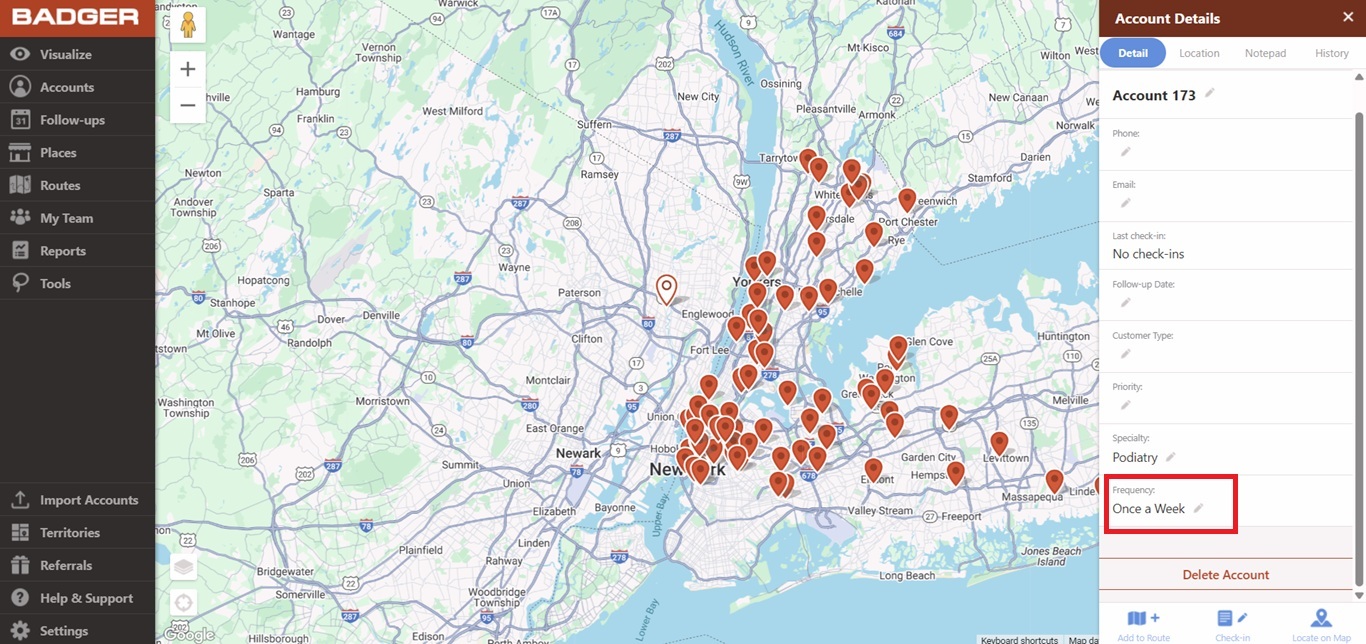
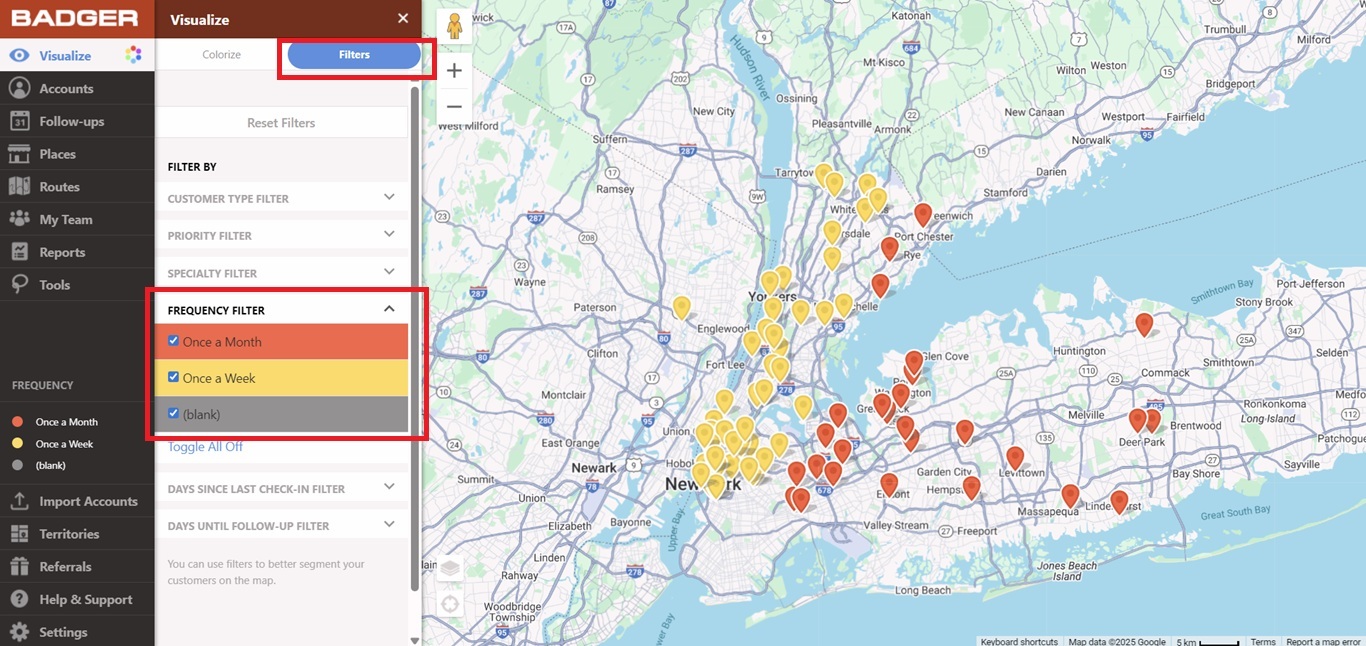
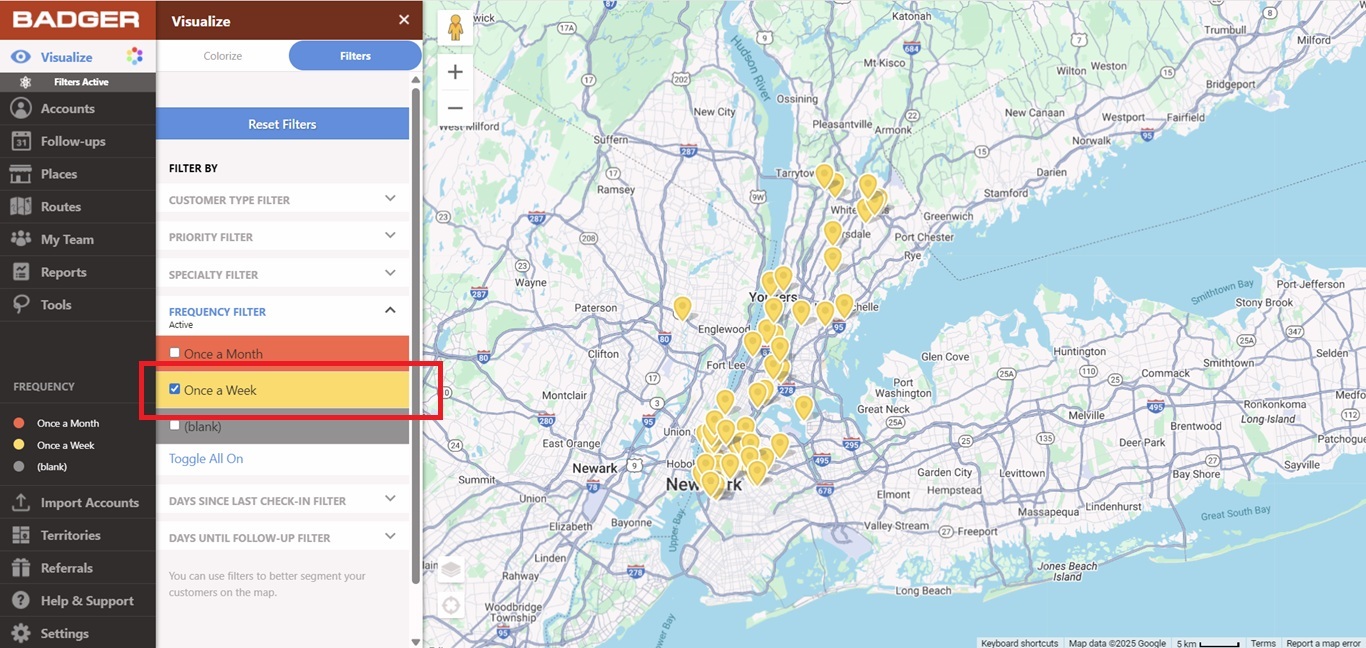
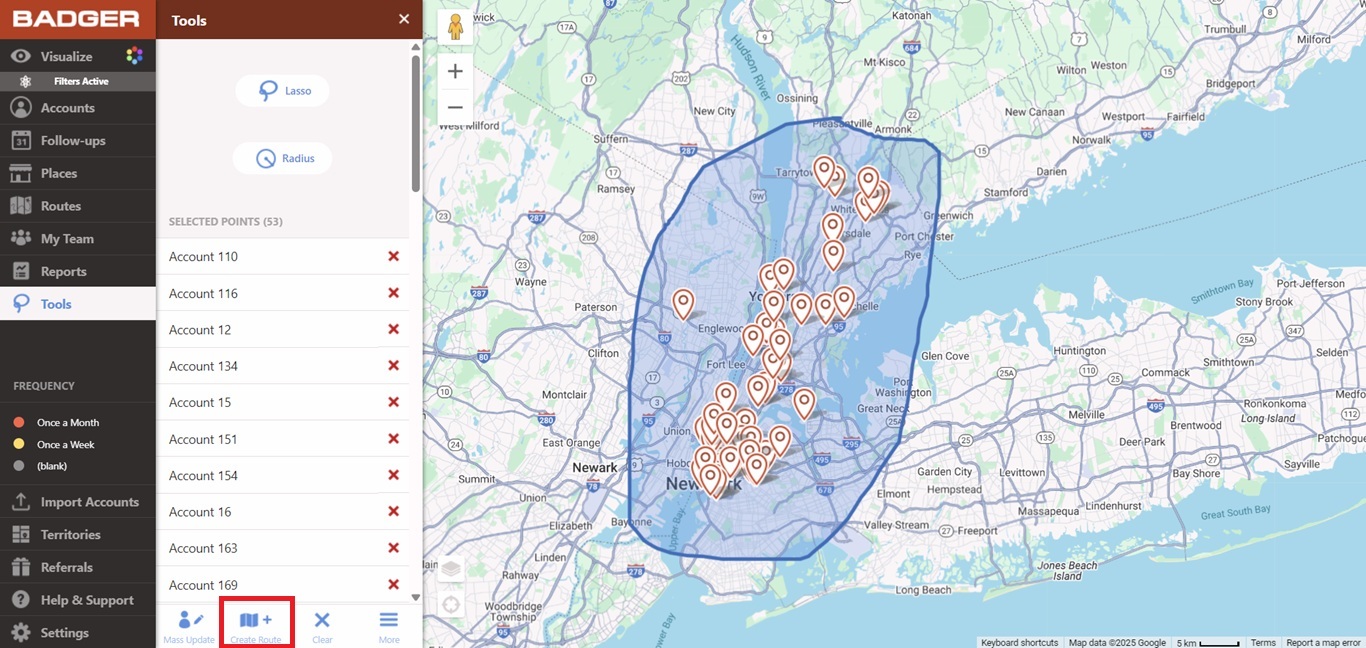
2. Now let’s say you’d like to build a route for your accounts that you have to visit once a week. Filter your accounts based on the Frequency Filter so only the accounts labeled as Once a Week will be the ones visible on the map.
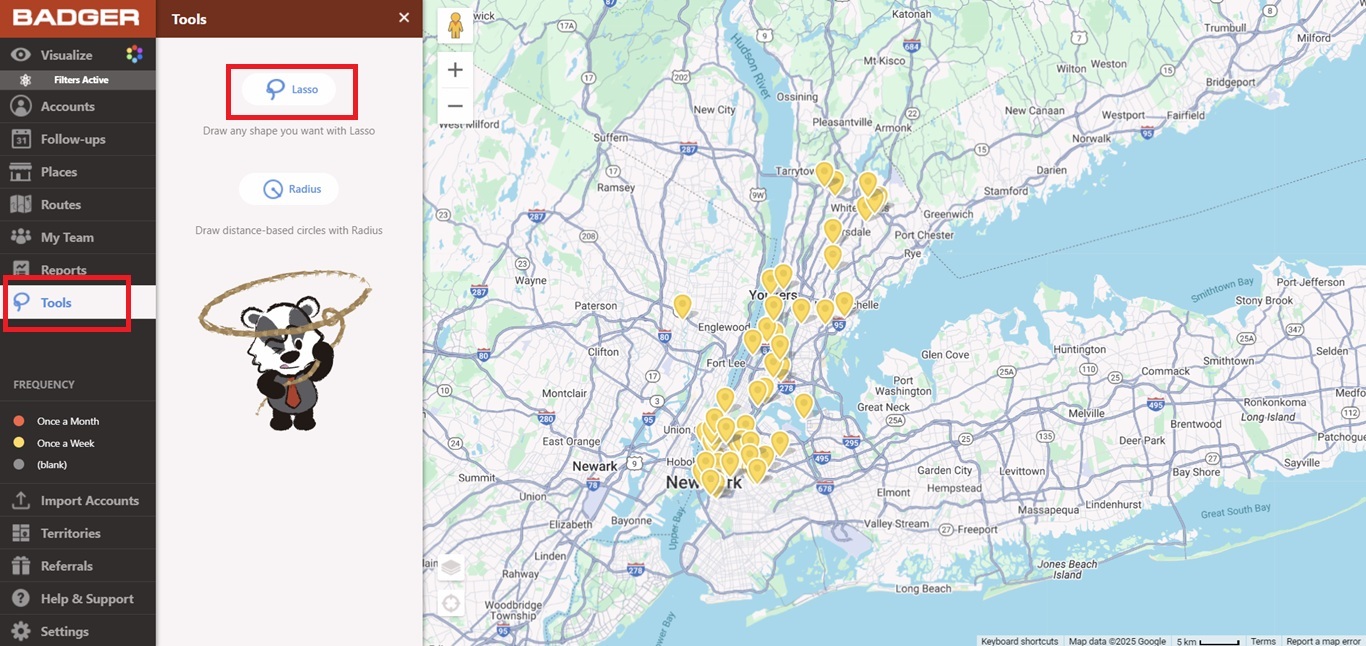
3. Use the Lasso tool to draw around these pins and create a route.
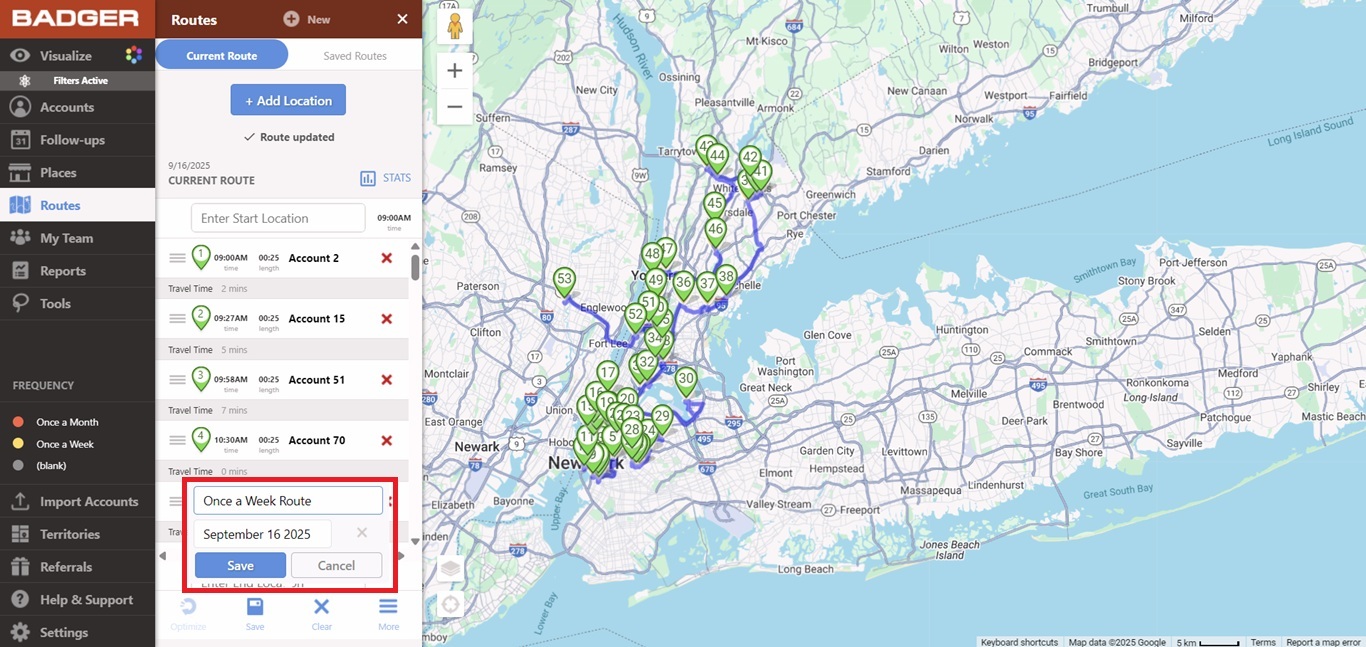
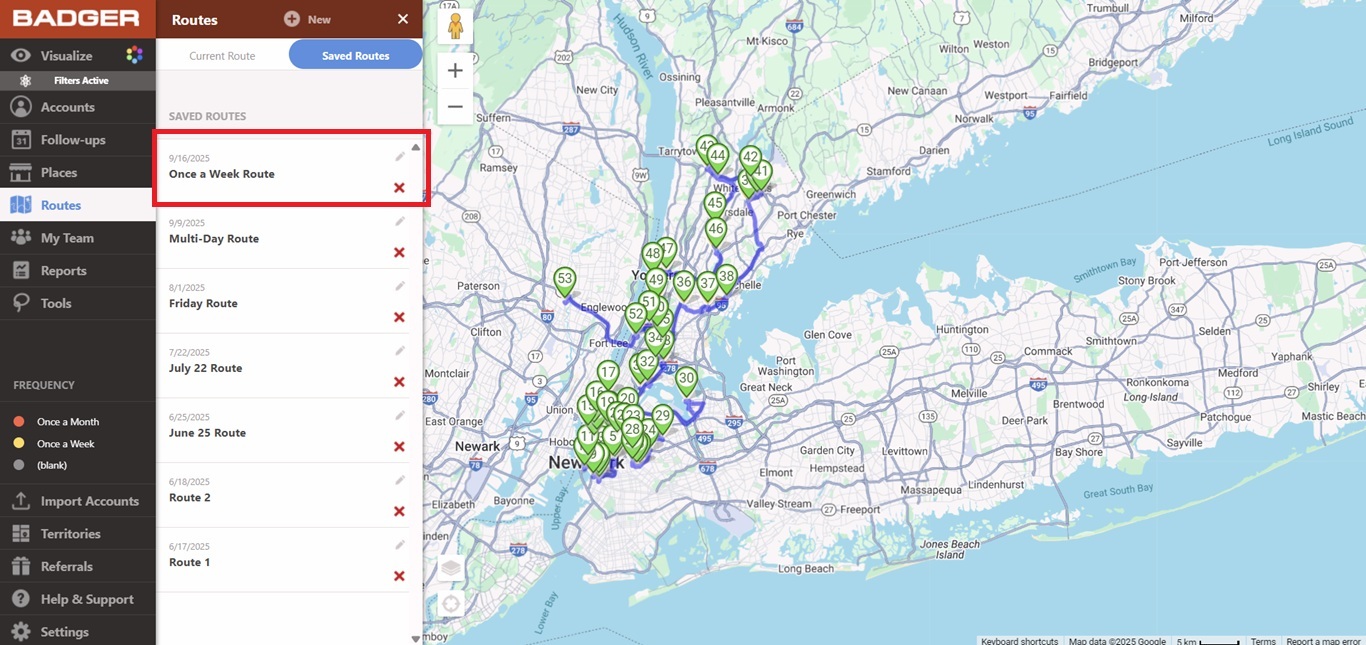
That’s it! You just learned how to build a route based on frequency of visits. Have a good day!


