How to Delete a Saved Route (Android)
Do you have a long list of routes and want to remove some of them while on the road? Continue reading to find out how to delete your route/s anytime using the Badger Maps Android app. Just remember, removed routes are no longer retrievable.
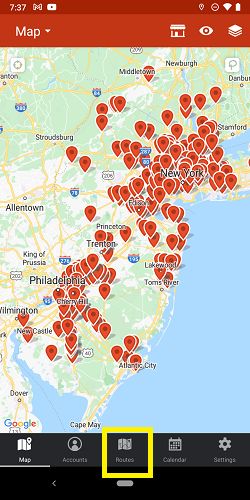
1. Go to Routes, and tap Saved Routes.

2. Hit Edit, choose which route/s you want to delete, tap on Delete Route, and confirm.


3. Tap Done, and you’re all set! You just finished removing the route/s that you no longer need.


