How to Delete a Saved Route (Web App)
Do you want to remove routes that you no longer need? Don’t worry, this article will teach you how to delete a route. Go ahead and read below. Just remember that the deleted routes can’t be retrieved.
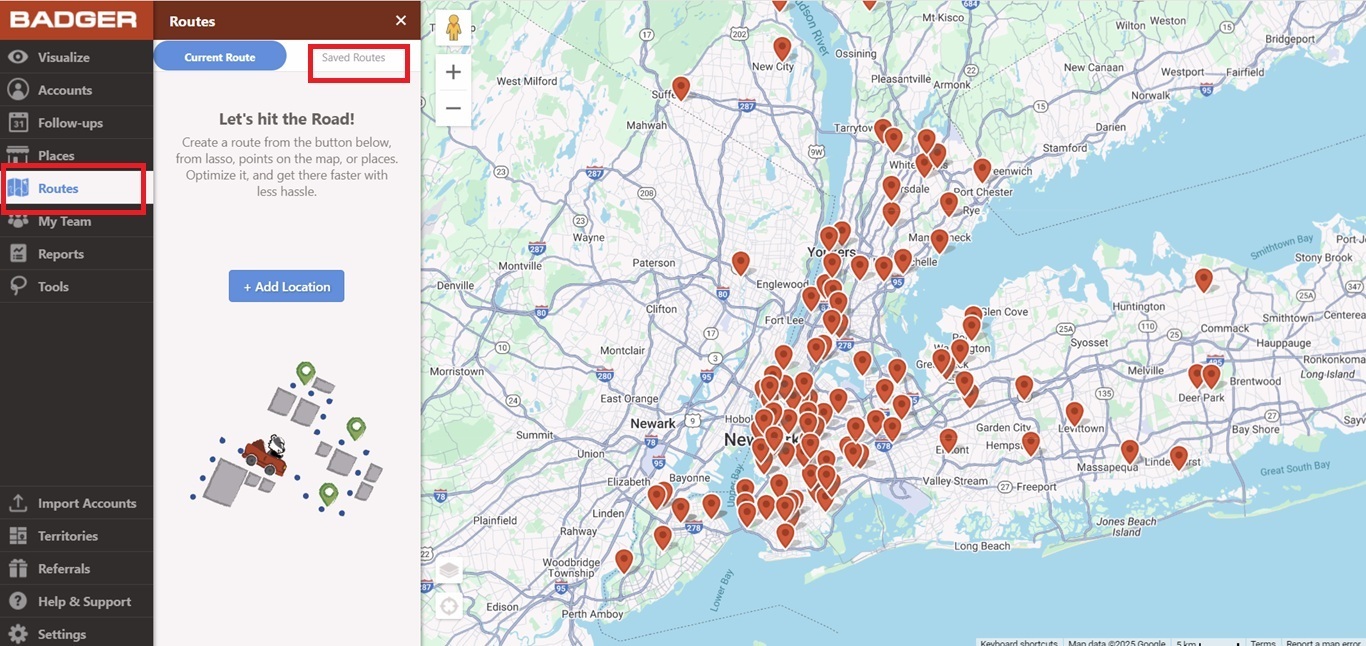
1. Go to Routes, and then tap Saved Routes.
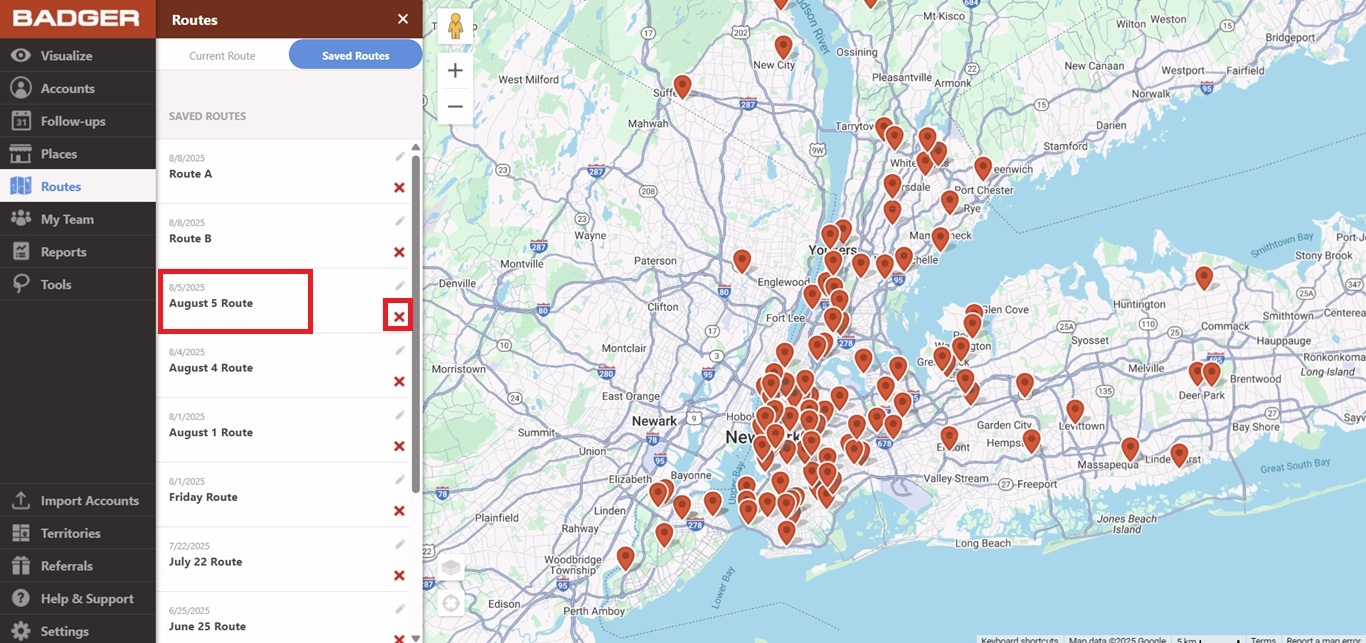
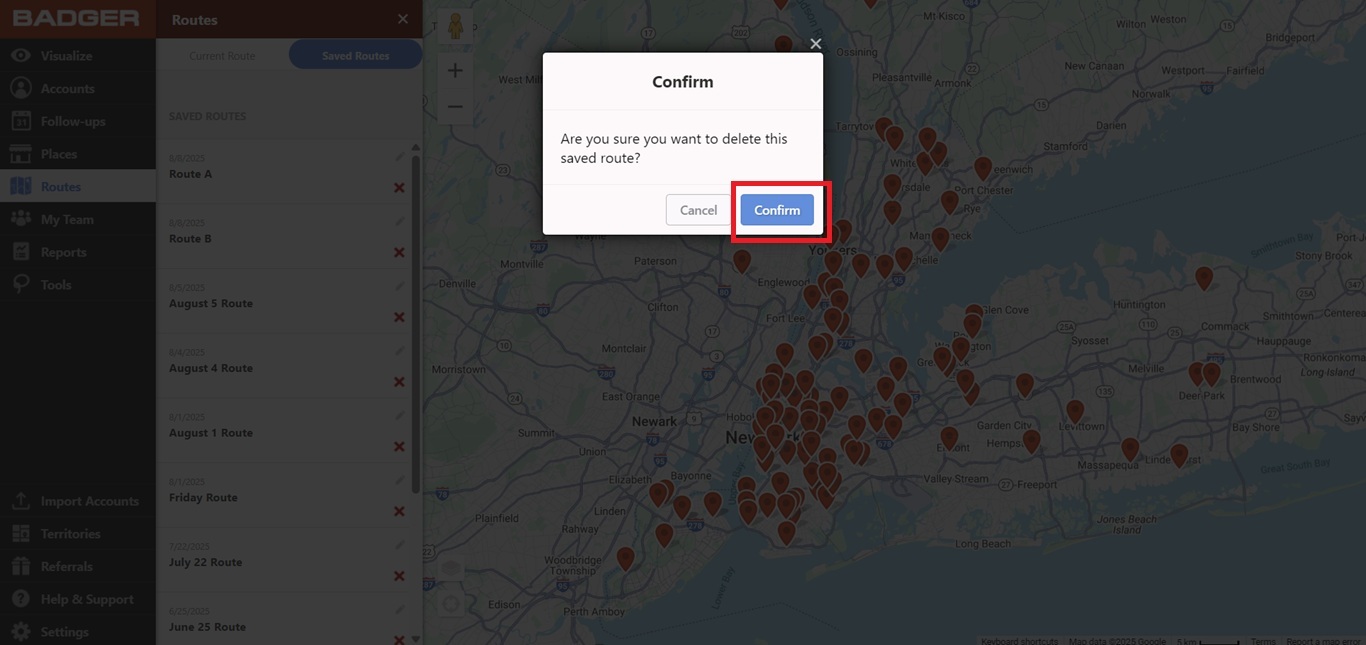
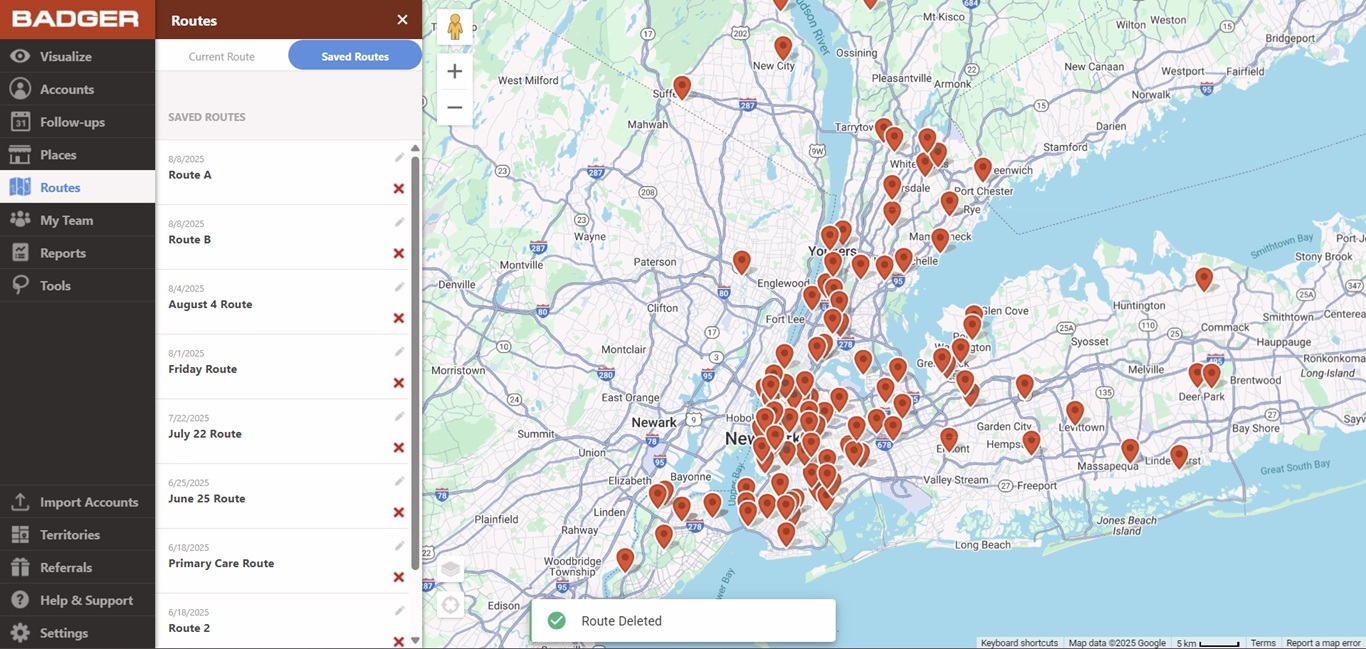
2. Scroll down your list, and look for the route/s that you wish to remove. Click the red X icon beside the route name, hit Confirm, and you’re done.