How to Export a Route to Your GPS Device (Web App)
Badger Maps works with any GPS device. It's easy to generate the GPX file from Badger to save on your GPS device.
1. Click on the Routes panel found at the left hand of the screen.

2. Go to Saved Routes, and load the route that you wanted to export.

3. Click on More.
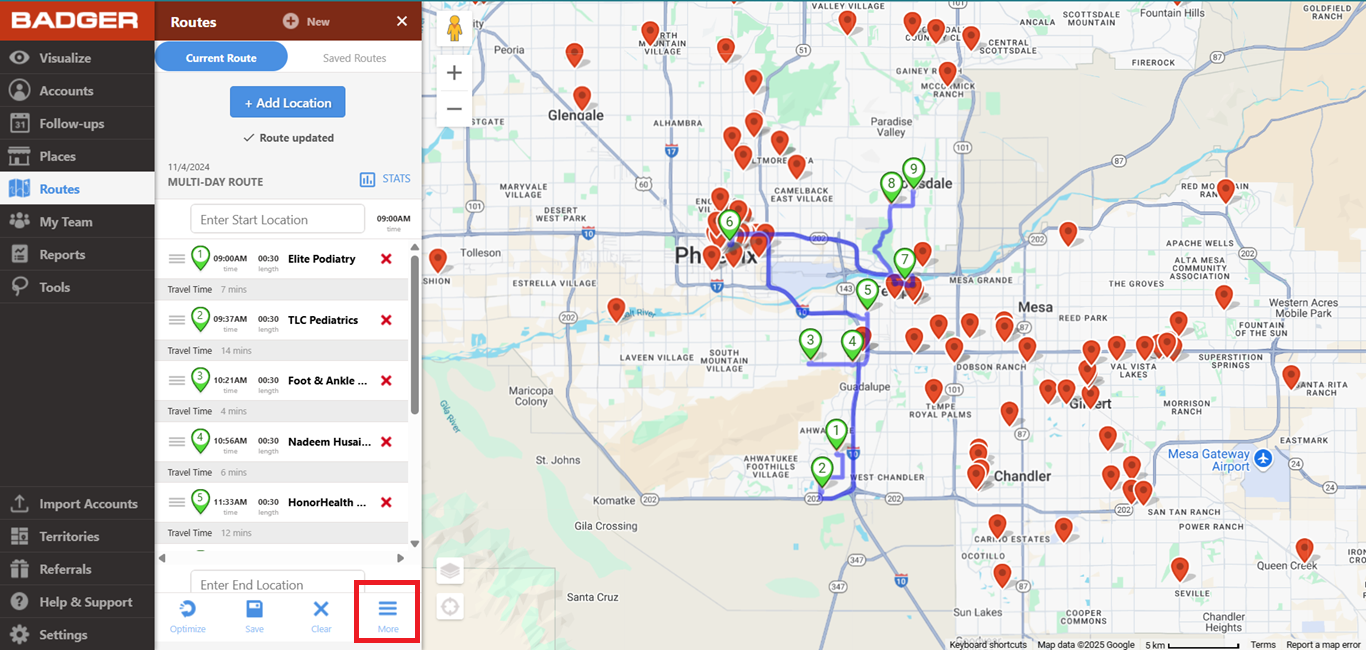
4. Select Export to GPX to download a GPX file.

5. Find the file in your download folder.
6. Transfer the file to your GPS device.
Here's a video on how to export a route to your GPS device:


