How to Mass Delete Accounts with Lasso (iPad)
Another aspect of account management is clearing up accounts that you no longer need. It could be tedious if you’ll remove multiple accounts individually. Good thing, Badger Maps has a Mass Delete function that allows you to remove a group of accounts all at the same time. Here’s how it works on an iPad.
1. To start, go to Lasso and tap Select.

2. Draw around the account pins that you want to remove, and tap More.

3. Then choose Delete Selected Accounts.
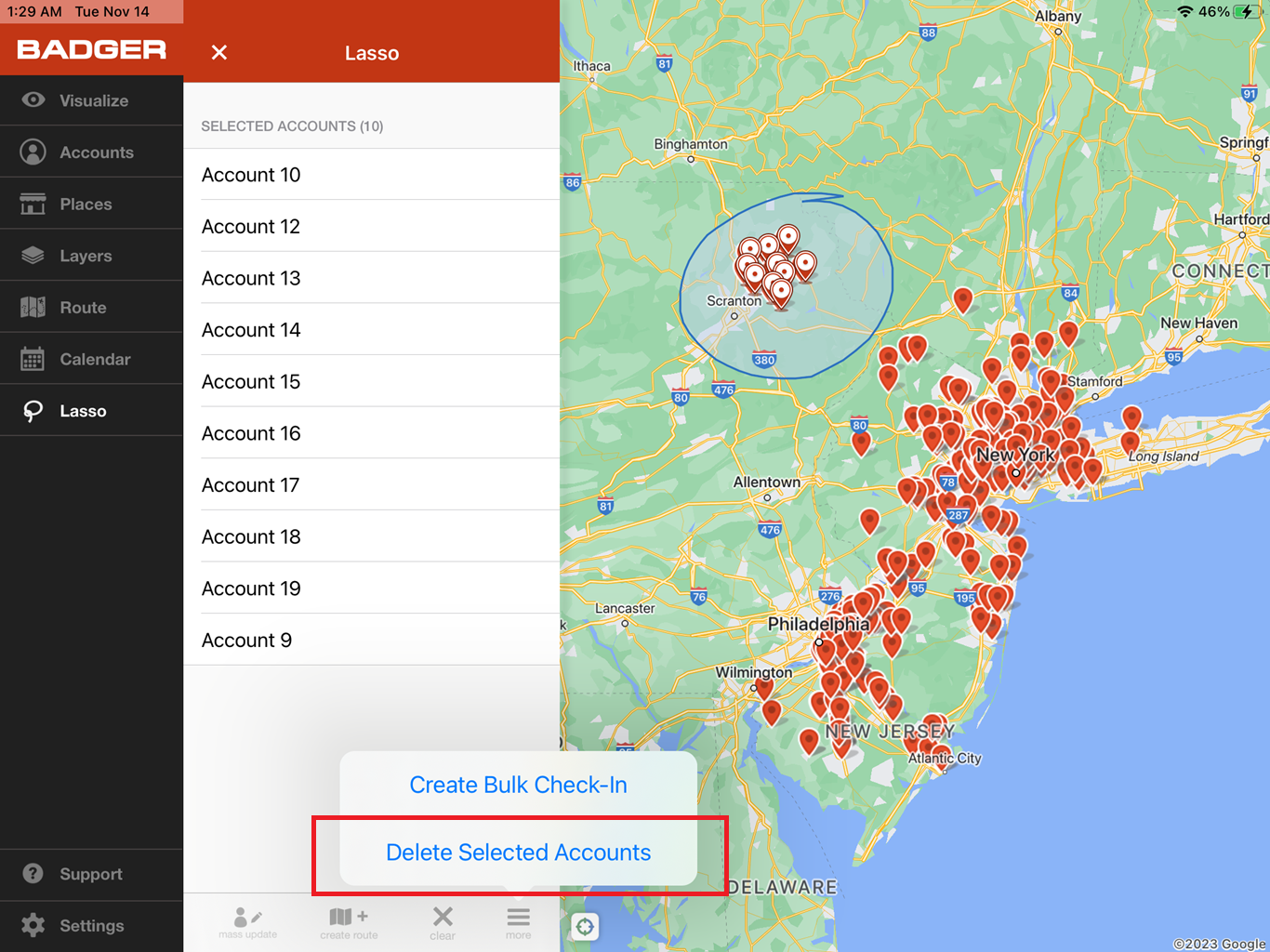
4. Confirm your action by selecting Delete.

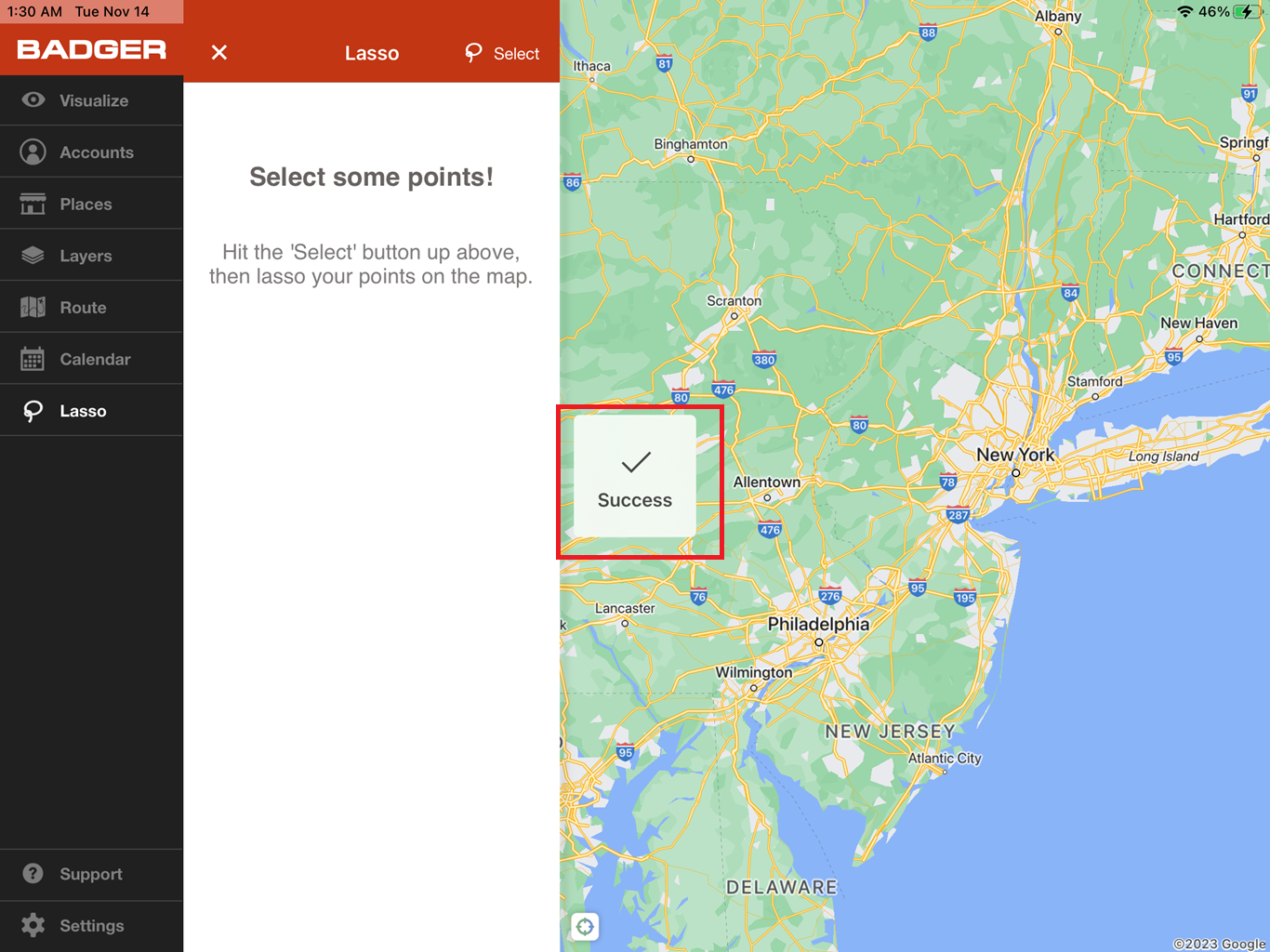
5. A Success message will appear after that, and you’ll see that the accounts are deleted.

Pretty straightforward, right? Try this now. Happy selling!


