How to Send an Email Using Badger Maps (Android)
Sending out an email to your customers while on the go is quite easy using Badger Maps. Continue reading to find out how this functionality works on our Android app.
1. The first thing that you need to do is to choose which account to send an email to using our Search Accounts function.
2. Then, open up the Details page by tapping on the account name. After that, click on the email address to start sending the email.


3. Select which email app to use (if you have 2 or more email apps on your phone), then choose if you’ll use that app Just Once or Always, and you’re done.


Android's Speech to Text function also works here. You can use that when composing your message.


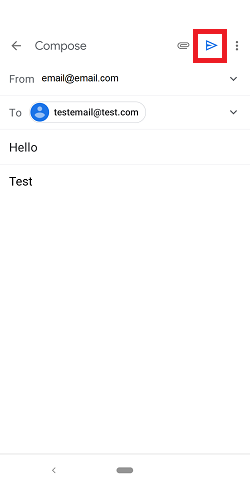
Pretty straightforward, right? Go ahead and try this now. Have a great day!


