How to Send Your Mileage Reports / Route Stats (iPhone)
Sometimes, your manager will ask you to send a report about your travels. Aside from sending your Check-in Export, Badger Maps also has Route Stats that gives you information about your total travel and meeting times, and the distance your route has covered. You can actually share this with your boss, and here’s how it works on an iPhone.
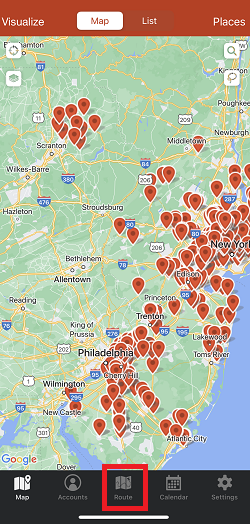
1. The first thing that you need to do is go to Route, and load the route that you want to send to your manager.

2. Tap Stats, then Share Route Stats.


3. Enter your manager’s email address on the To field, and tap the arrow up icon to send.

And that’s it! Really easy to remember, right? Go ahead and try this now.
Click here if you need to learn how to change the distance's unit of measurement.


