How to Turn On Map Layers (Android)
Badger Maps on Android devices gives you the opportunity to show traffic and satellite images on your map through our Map Layers feature.
1. On the Badger Maps home page, click the Map Layers icon (the one that looks like a stack of squares) found at the upper right corner of your screen.

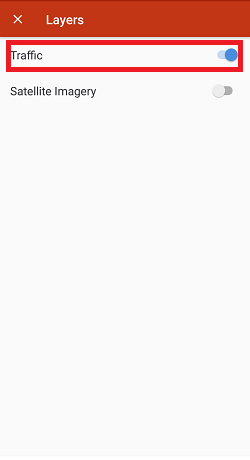
2. You'll see the different layers, and you can select them individually or combine them.

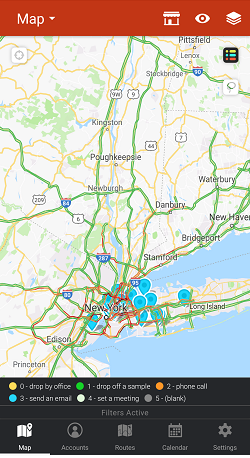
3. The screen captures below show how your map will look like when you turn on the different Map Layers options.
3-a.) Traffic view
3-b.) Satellite View


3-c.) Combined Traffic and Satellite views.


