How to Update Email Address in Badger
So you’ve signed up with Badger Maps but you need to change your email address because you recently moved to another company, or you simply just want to update it.
The app allows you to make changes to your info whenever you need to. Below are the steps that you can follow to update your account information. Please note that this action works for individual subscribers. If you’re part of a team, you’d need to reach out to your Badger account manager to make the change for you.
1. Log in to Badger Maps and go to Settings.

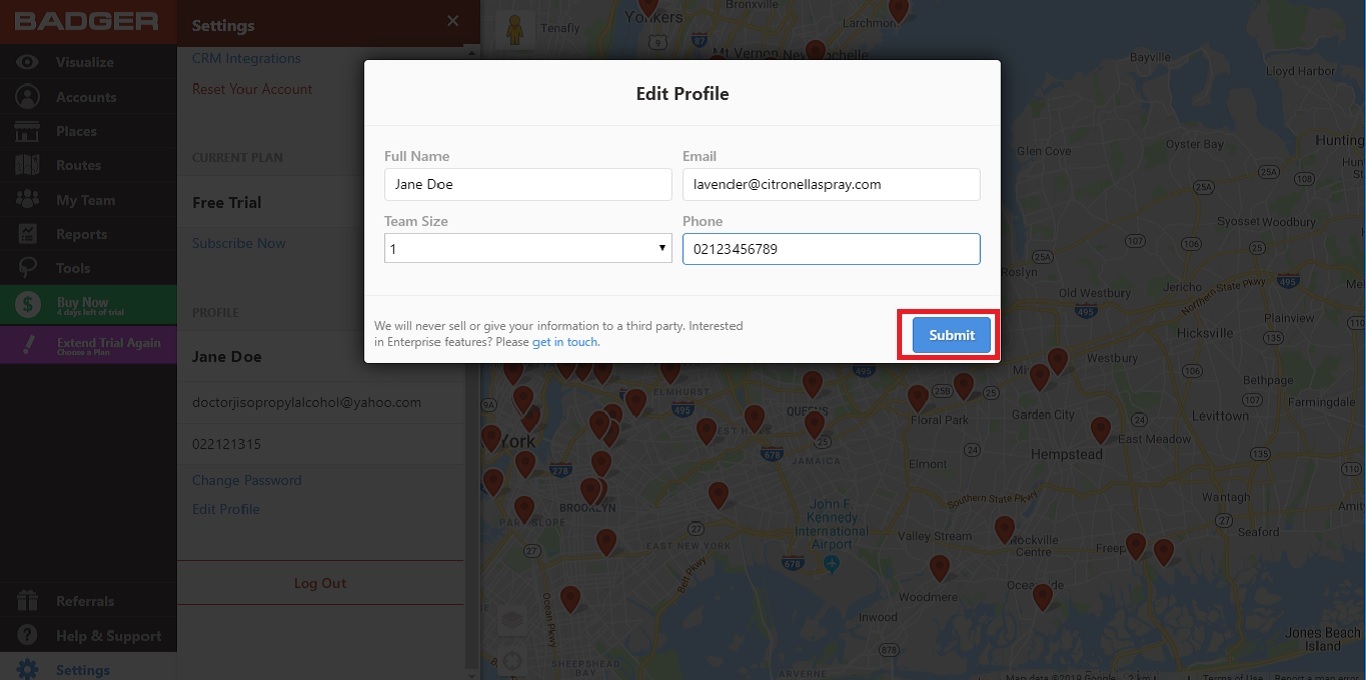
2. Scroll down and click Edit Profile found right above the Log Out button.

3. A pop-up box will appear and type in your new email address on the Email field. You can also update other info like Full Name, Phone, and Team Size in this pop-up box.

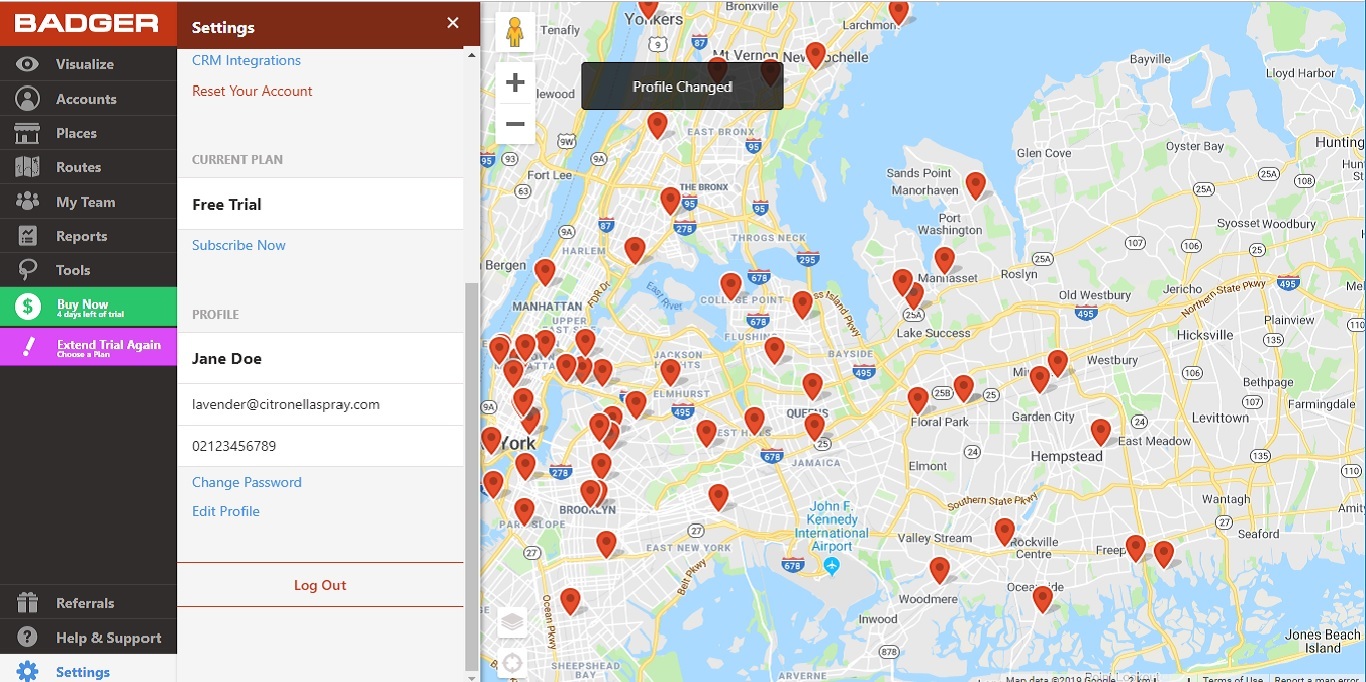
4. Click Submit, and you’re all set.