How to Use the Locate Me Button (Web App)
There are times that you need to find accounts or search prospects that are near your current location. Badger Maps has a Locate Me button to help you with that, and here’s how it works on our web app.
1. Log in to the Badger Maps web app.
2. Click the Locate Me icon found at the bottom left side of the screen.
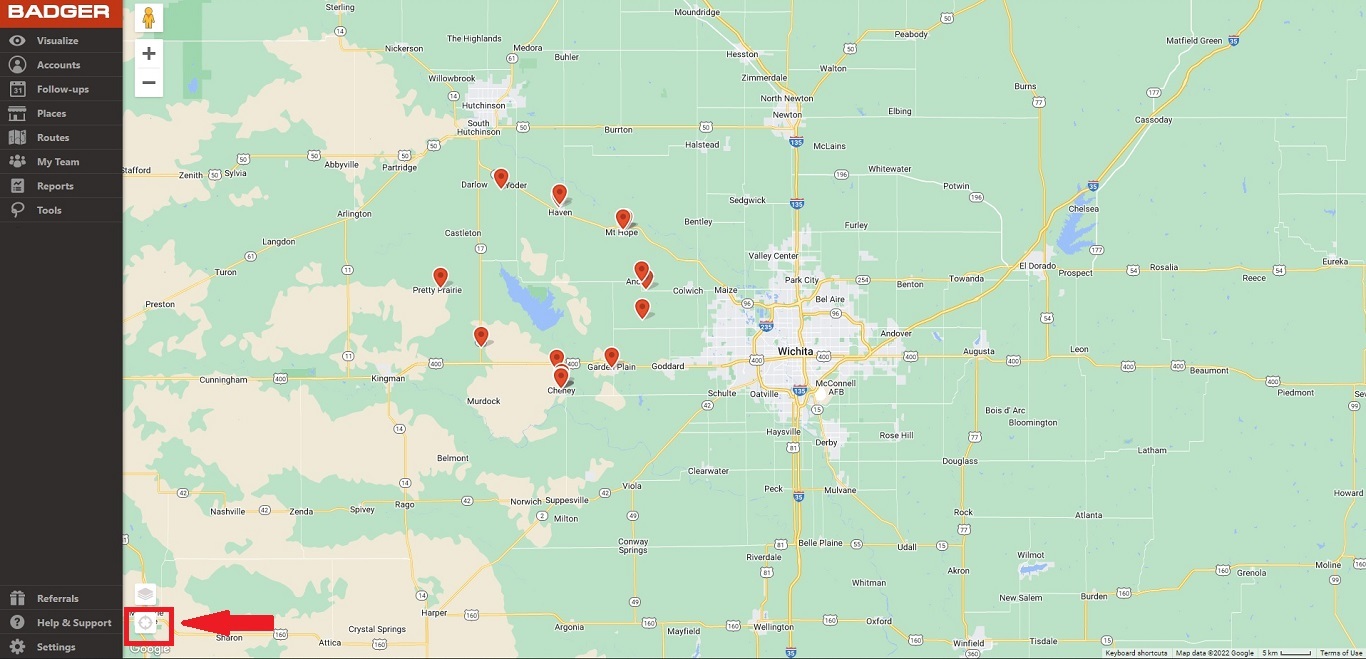
3. Once clicked, the app will take you to your current location, and you’re the blue dot on the map. Please note that you may need to give permission to Badger to use your current position.


