How to Use the On Map Feature (Web App)
When targeting a certain region you may want to be able to view a list of just the accounts that are currently visible on your map. Luckily, Badger Maps has the On Map feature that helps you view this list. Go ahead and read below to learn more about this feature.
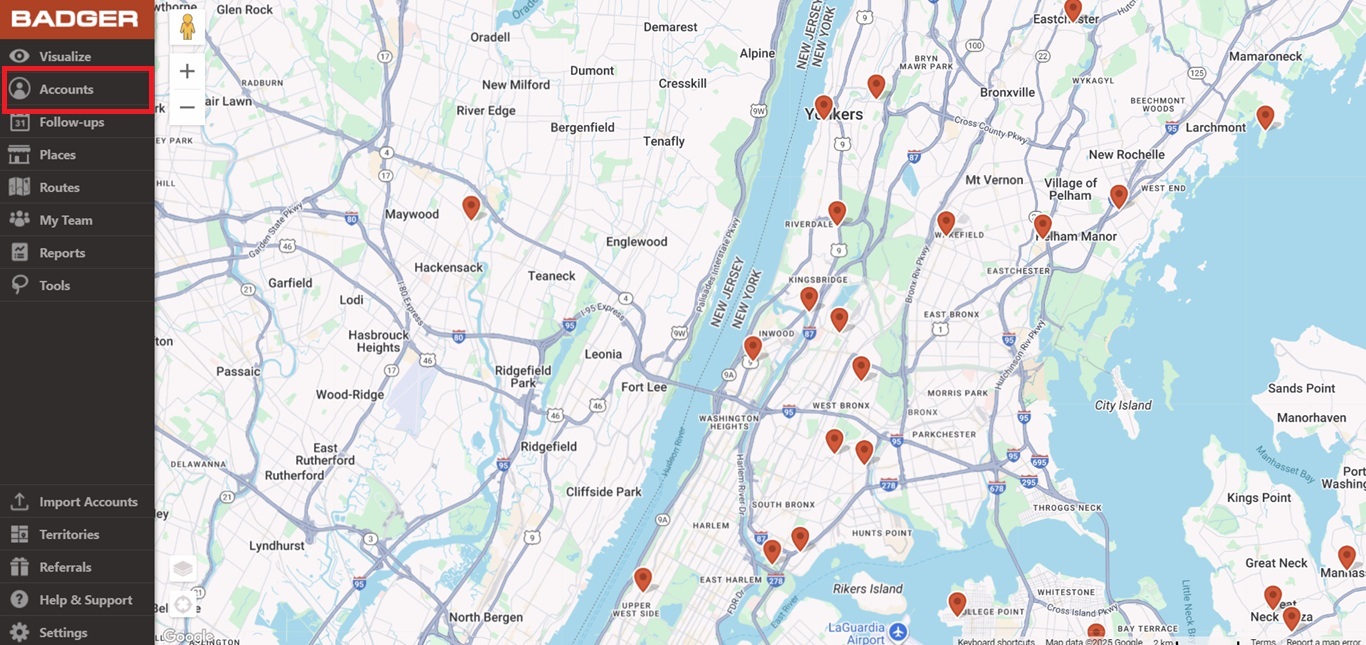
1. Log in to the Badger Maps web app, and go to Accounts.
2. Click On Map, and you’re all set.

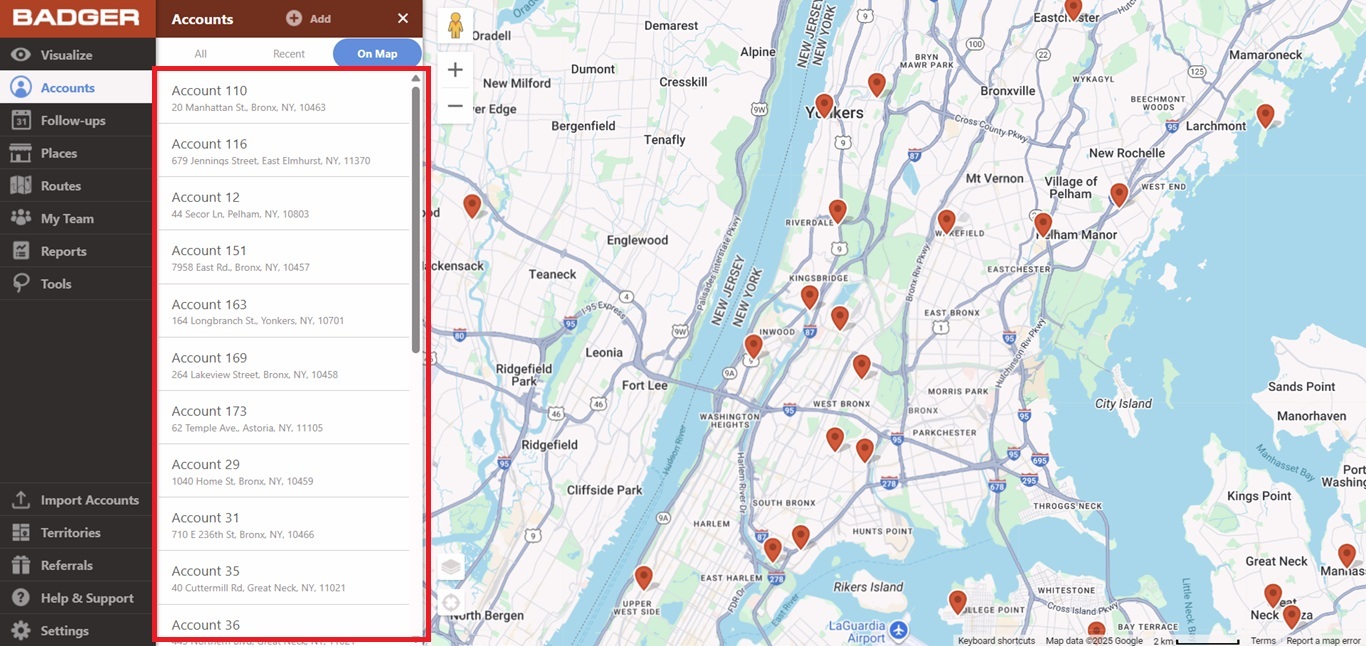
NOTE: The On Map view lists all accounts that exist in the area even if they're filtered visually.
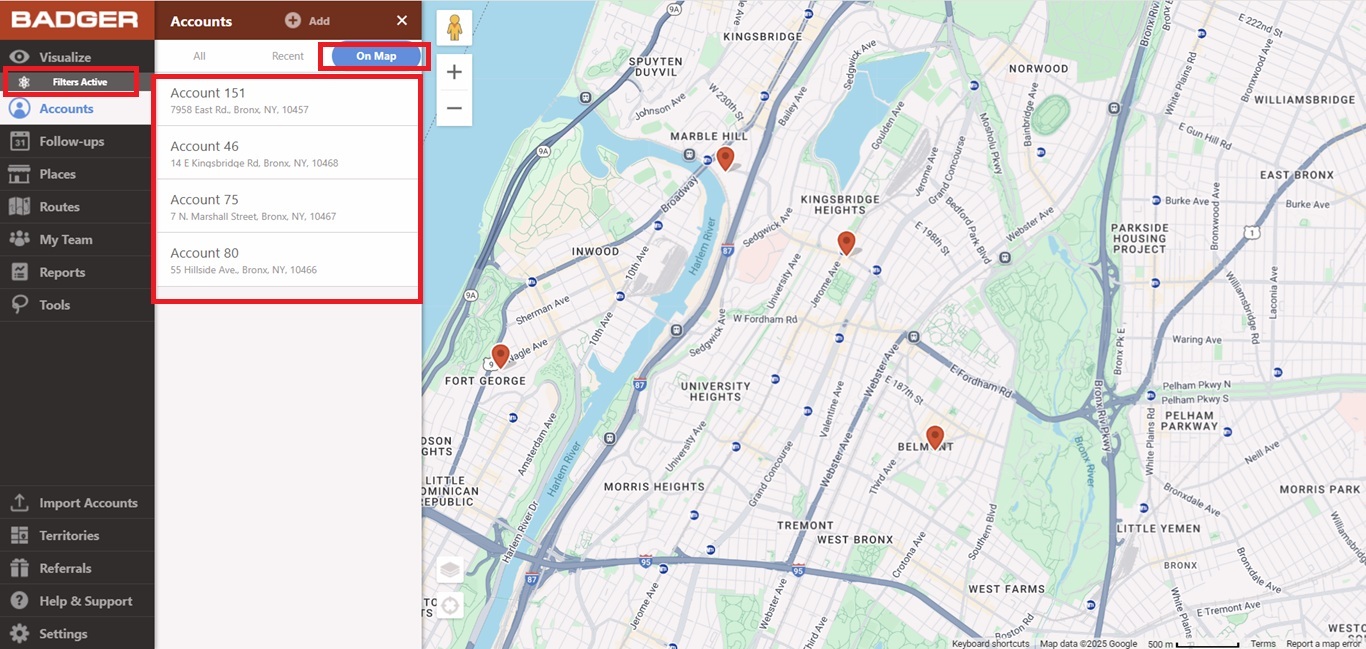
And that’s it. You just learned how to use the web app’s On Map feature. From here, you can click on any account and edit their details, add them to a route, or enter a check-in. Happy selling!


