How to View Account Details (iPad)
Checking individual Account Details from the iPad is pretty easy, and there were 3 ways on how to do it. Continue reading below to learn more.
1. One way is by tapping any account pin on the Map screen, then tapping the account name that will appear on the lower right corner.


2. The other way is by going to the Accounts menu, typing in the account name on the search bar, and tapping the name from the results.


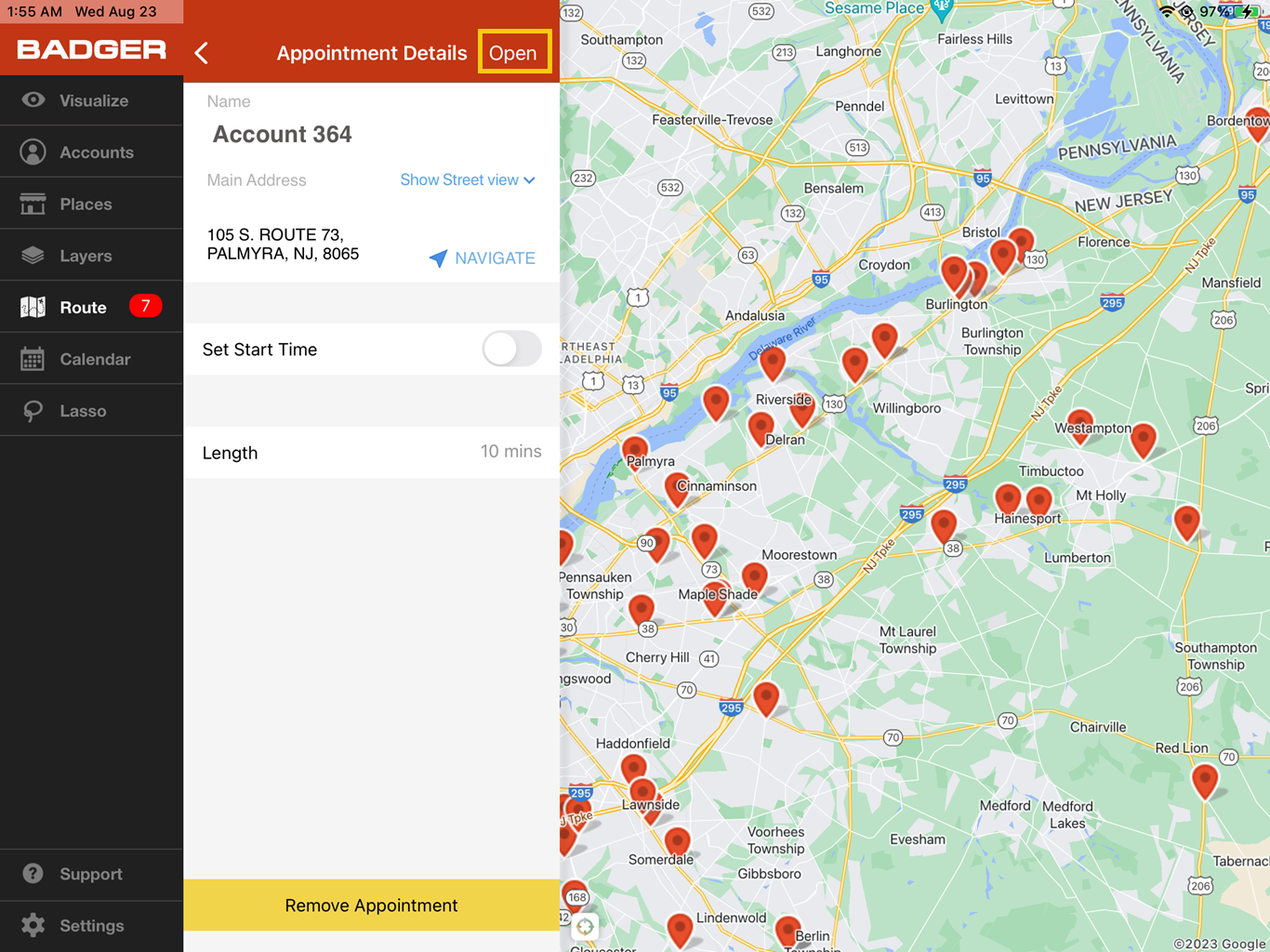
3. Lastly, you can also view the Account Details while on the Current Route tab. Just open up a route, then tap on the stop/account that you’d like to view, and tap Open.


That’s it! You just learned the different ways on how to view your accounts’ details. Happy selling.


