Integrating Badger with an Outlook Calendar (Android)
Syncing your Badger routes with your Outlook Calendar is easy and really quick. Read below to find out how.
1. Go to the Play Store, and install the Outlook application.

2. Open the Outlook app, and add the email address associated with your Outlook Calendar.


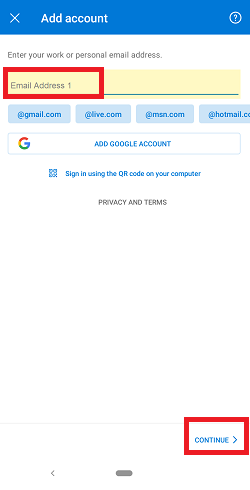
3. Once added, go to the Badger Maps app, and set your Outlook Calendar as default. Click here for the detailed steps.

4. After that, tap Routes, and push the route that you want to save on your Outlook Calendar.

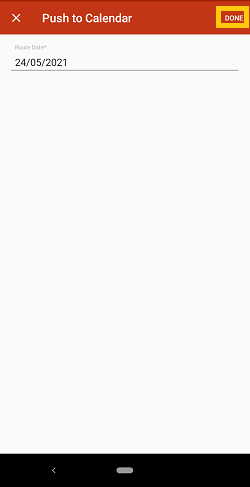
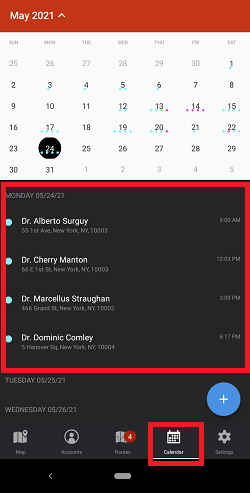
5. Your route is now saved on your Outlook Calendar.

That’s it! Go ahead and try this now.


