How to Load Saved Routes (iPhone)
Loading your route while you are in the field is easy. Go ahead and continue reading to learn how you can do that using the iPhone app.
1. Open the Badger Maps app, and go to Route.
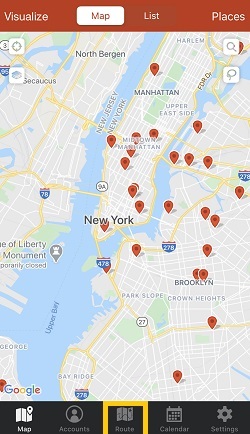
2. Then, tap Saved Routes, and choose the route that you want to load.


That’s it! Your route is now loaded, and you’re ready to travel. If you want to find out how you can navigate through your route stops, just click here for more information.


