How to Load Saved Routes (Web App)
It's really easy to load your saved routes in Badger, and here's what you need to do.
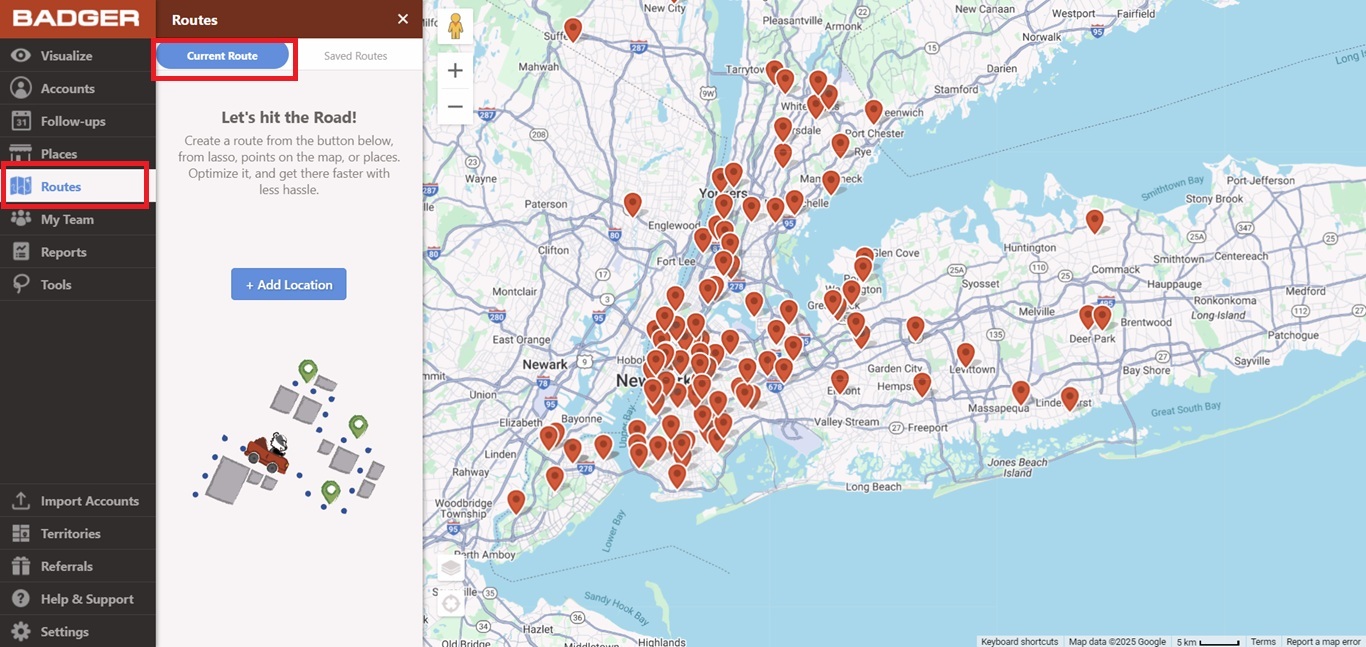
1. Go to the Routes tab, and select Saved Routes.
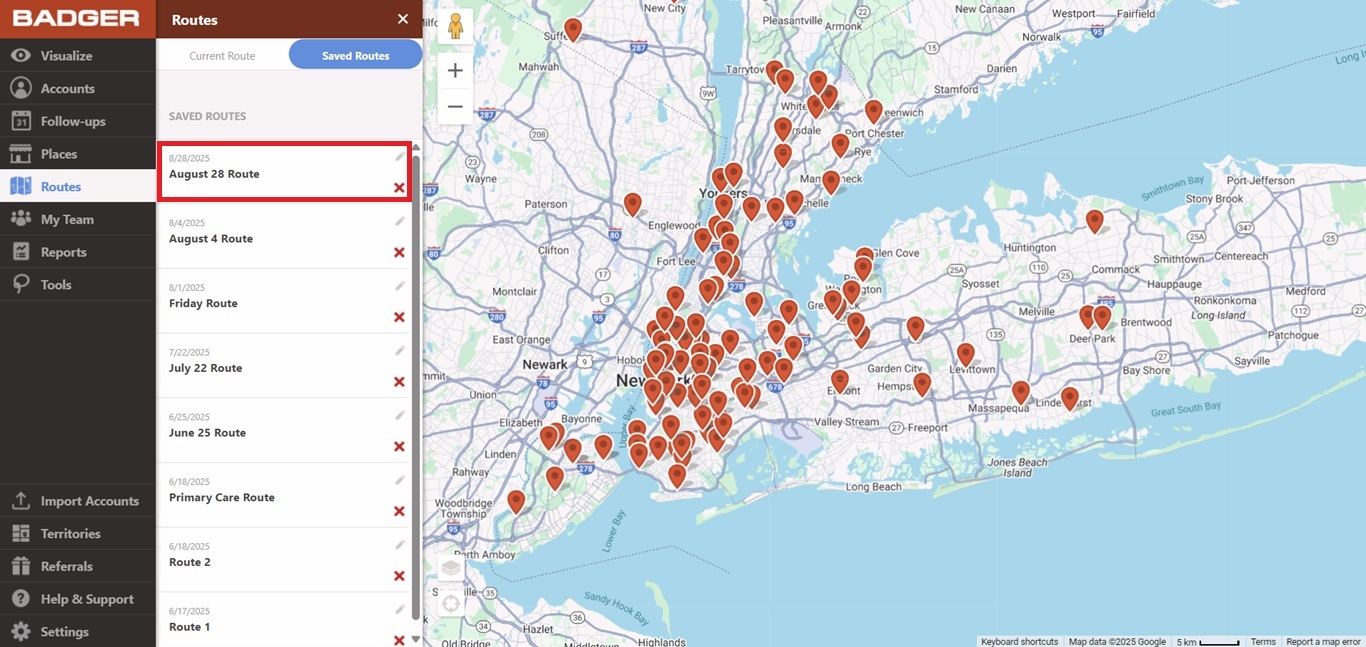
2. Then, click on the route that you want to see on the map.
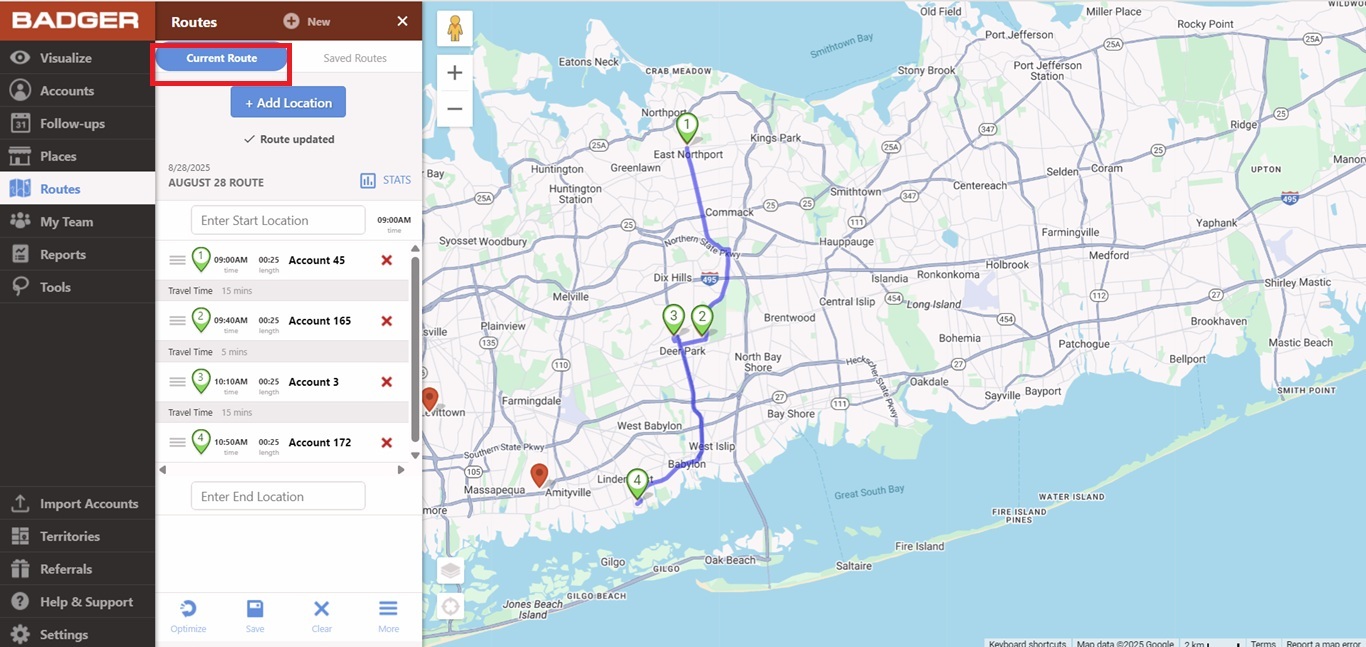
3. The app will take you to the Current Route page after that, and you should see your route on the map.
That's it! Your route is now loaded.


