What are the Management Options Provided with Badger Maps (Web App)
It is always helpful if a manager can view all the activities going on in the team. The Management options on Badger maps helps managers view sales related activities among their team members. There are two options a manager can use to manage the sales team -
1. Manager View -
Badger Maps provides you the option of collaboration in the sales organization between sales reps, sales managers, and their inside sales people. In a nutshell, it allows one Badger user to be granted access to the territory and routes of another Badger user. They can edit the routes or customer information of that other user that has been granted access. Manager View allows:
- managers to view their reps’ territories and routes
- inside sales people to view the routes of the reps that they support and add meetings for them
- operations and support teams to view and support the reps
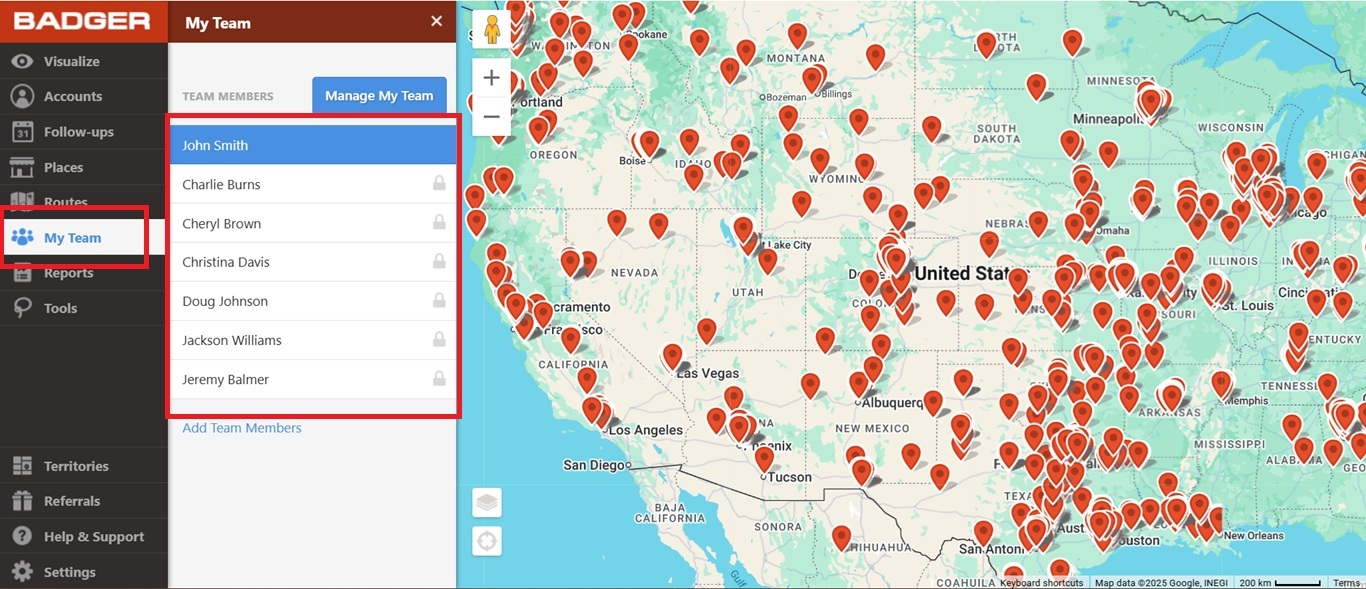
2. Another option under the Management section of Badger Maps helps managers plan routes for their sales reps. Managers can plan and delegate work ahead of time. Routes can be named and dates can be labeled. This way, when sales reps log onto their Badger Map account, they can see their responsibilities for the day.
Here is a video overview of Management Options:


