How to Export Routes to Apple Mac Calendar (Web App)
Badger works with any calendar. To generate the calendar file from Badger to save on your Mac’s calendar (where it will then sync with your iPhone and iPad) all you have to do is:
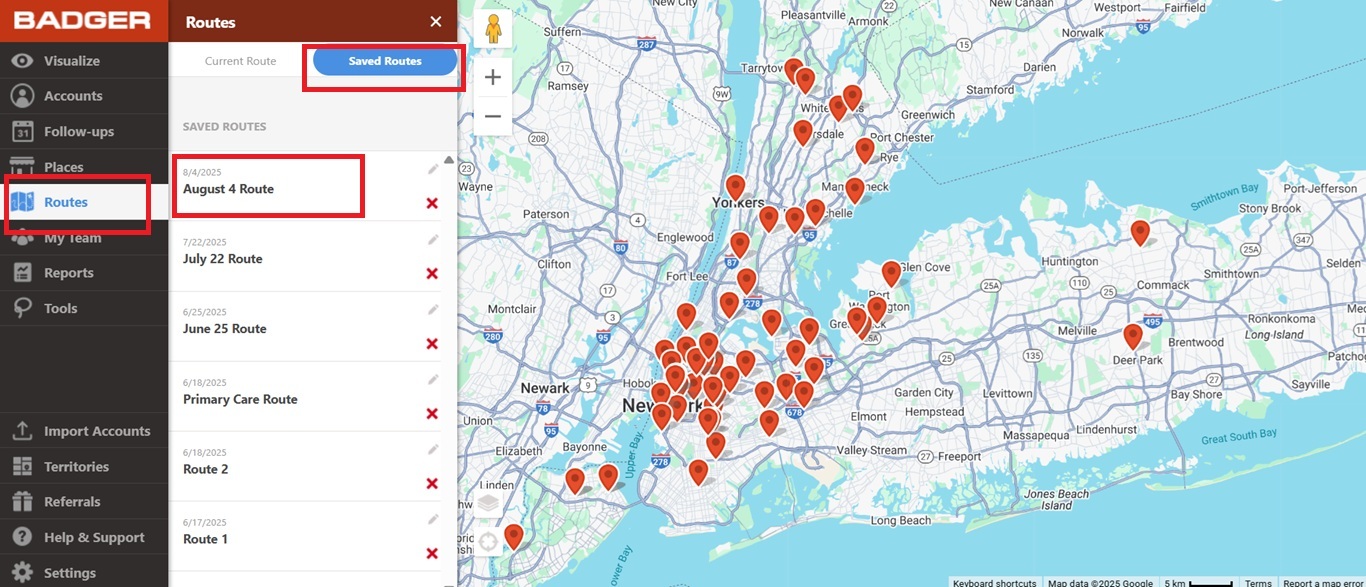
1. First, open up a saved route.
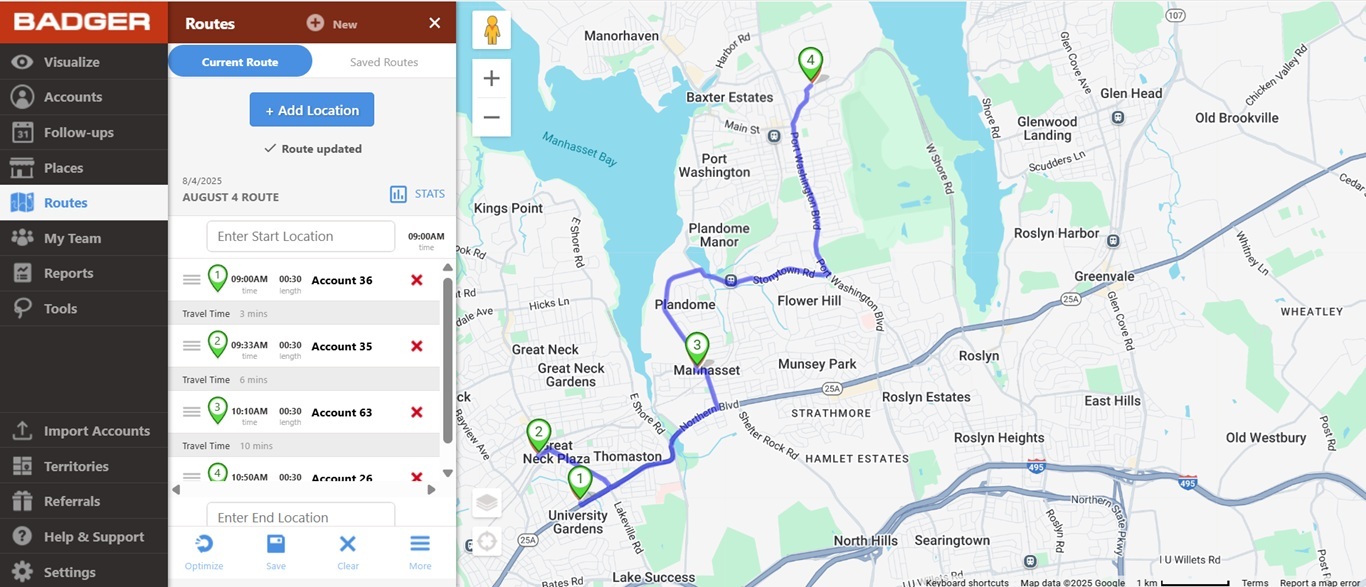
2. Then go to More and click Export to Calendar.

3. After that, click on the file in your downloads folder or in the top right corner of the screen.

4. Apple Calendar should open. Choose the calendar you want to sync the Badger with. Then, click OK and you are all set.


